Birthdays, anniversaries, the day-to-day
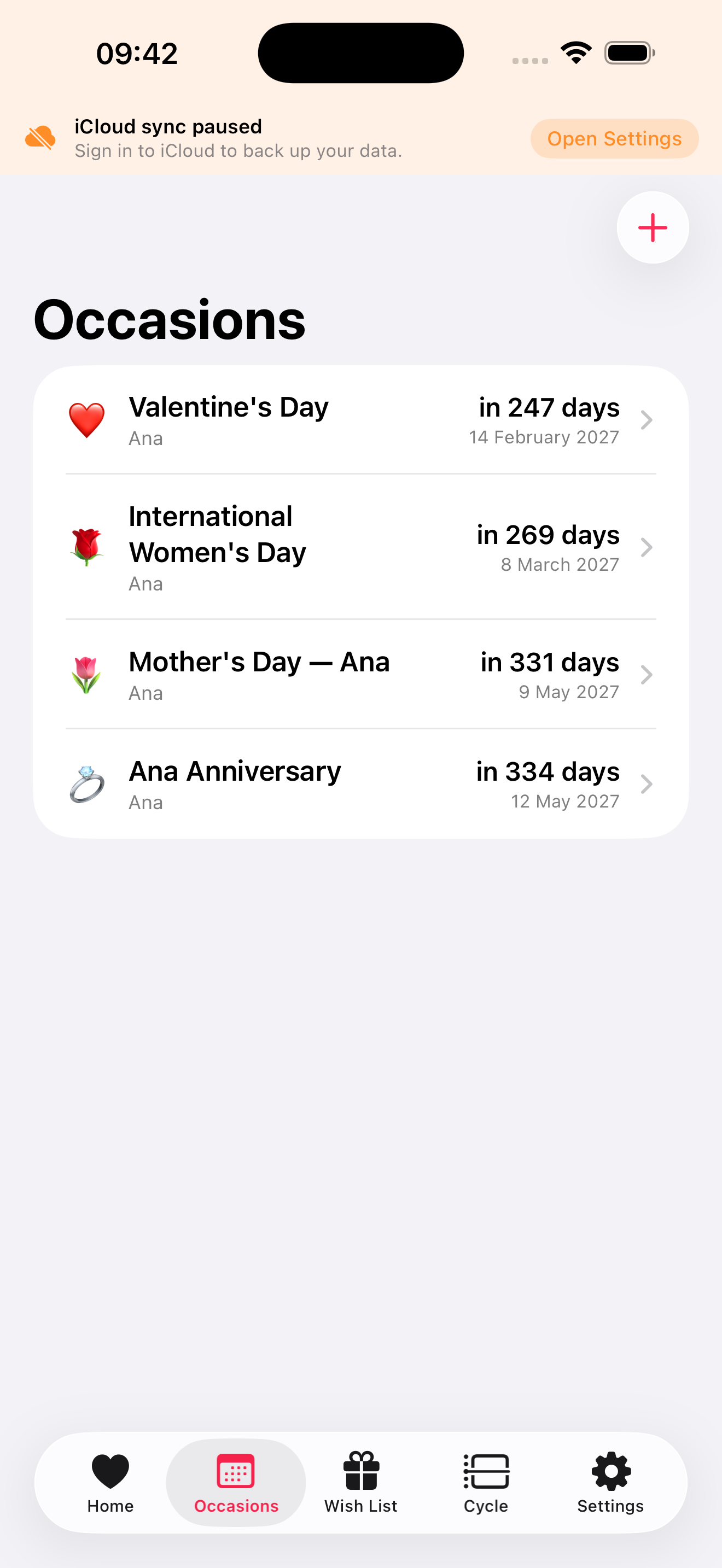
Add every occasion that matters once and forget about it. Recurring annually, with a reminder a few days ahead so you have time to actually do something thoughtful.
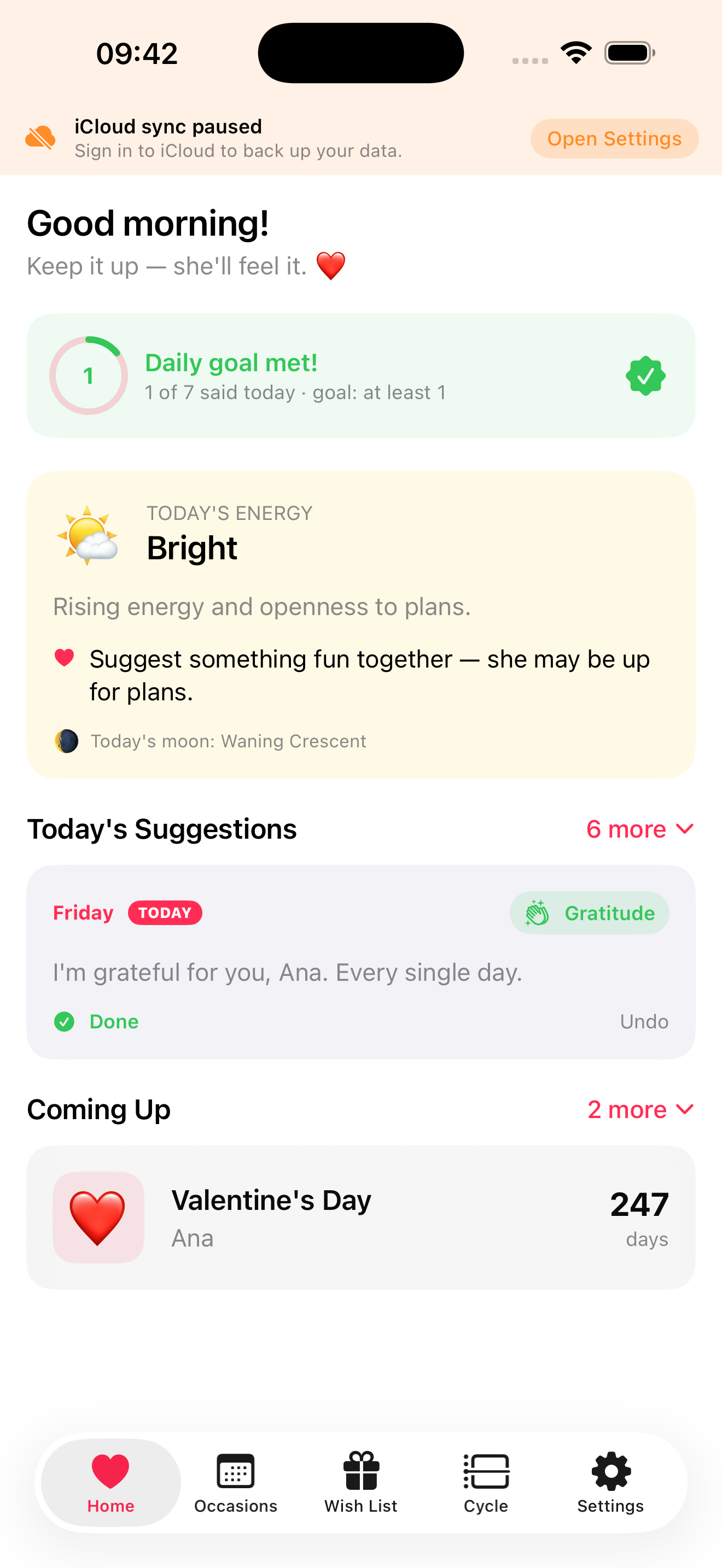
Birthday in two weeks. Anniversary at the end of the month. A random Tuesday when she could use a kind word. The Husband App remembers, and gently nudges you to be present.
Local-first. No ads. Your data stays yours.
Small features, in service of something real.
Add every occasion that matters once and forget about it. Recurring annually, with a reminder a few days ahead so you have time to actually do something thoughtful.
When the right phrase doesn't come to you, the app offers a curated set — copy, tweak, send. Suggestions are picked thoughtfully, not generated.
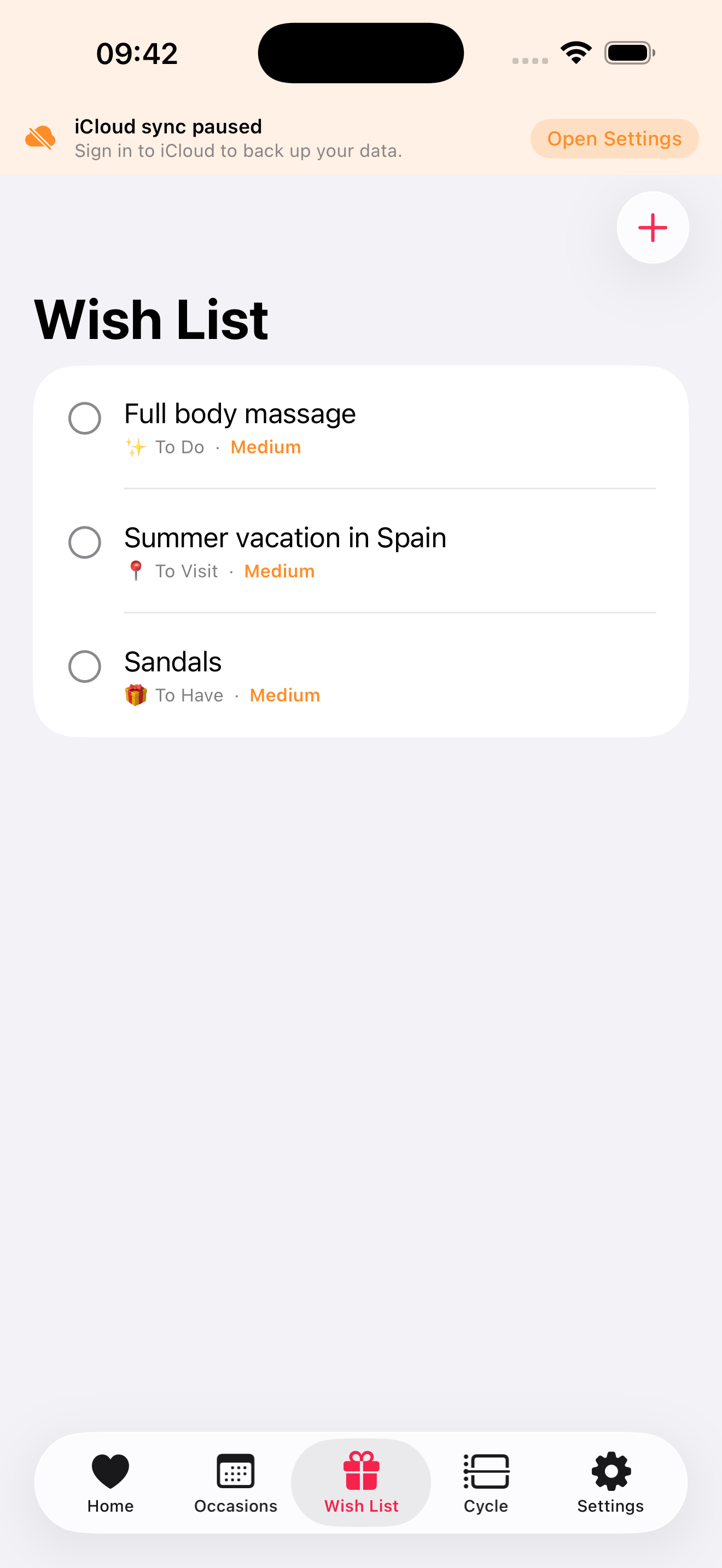
Sign in once and your occasions, wishlist, and partner profile follow you to every iPhone and iPad you use. Local-first if you'd rather skip the cloud.
Optional cycle tracking helps you notice when your partner might use extra tenderness. This data never leaves your device — not even when you sign in.
Yes. There are no ads, no analytics, no upsell modals. A future version may add a paid tier for AI-generated message suggestions; everything you see today stays free.
By default, only on your iPhone. If you sign in to iCloud, it's backed up to your private iCloud database (which Apple manages — we have no access). If you sign in to our backend, occasions and partner-profile data are encrypted in transit and stored in our EU servers. Cycle data never leaves your device, even with sign-in.
Anyone who finds the small acts of remembering hard, but cares about doing them. The framing is gendered because that's our experience, but the app works for any relationship.
Open the app → Settings → Account → Delete account. Type DELETE to confirm. Everything tied to your account on our servers is wiped within 7 days. iCloud data must be wiped separately from iOS Settings.